

Your Profile
Your user profile is your digital identity within the intranet. It shows your contact information, department, and recent activity.
Viewing your profile
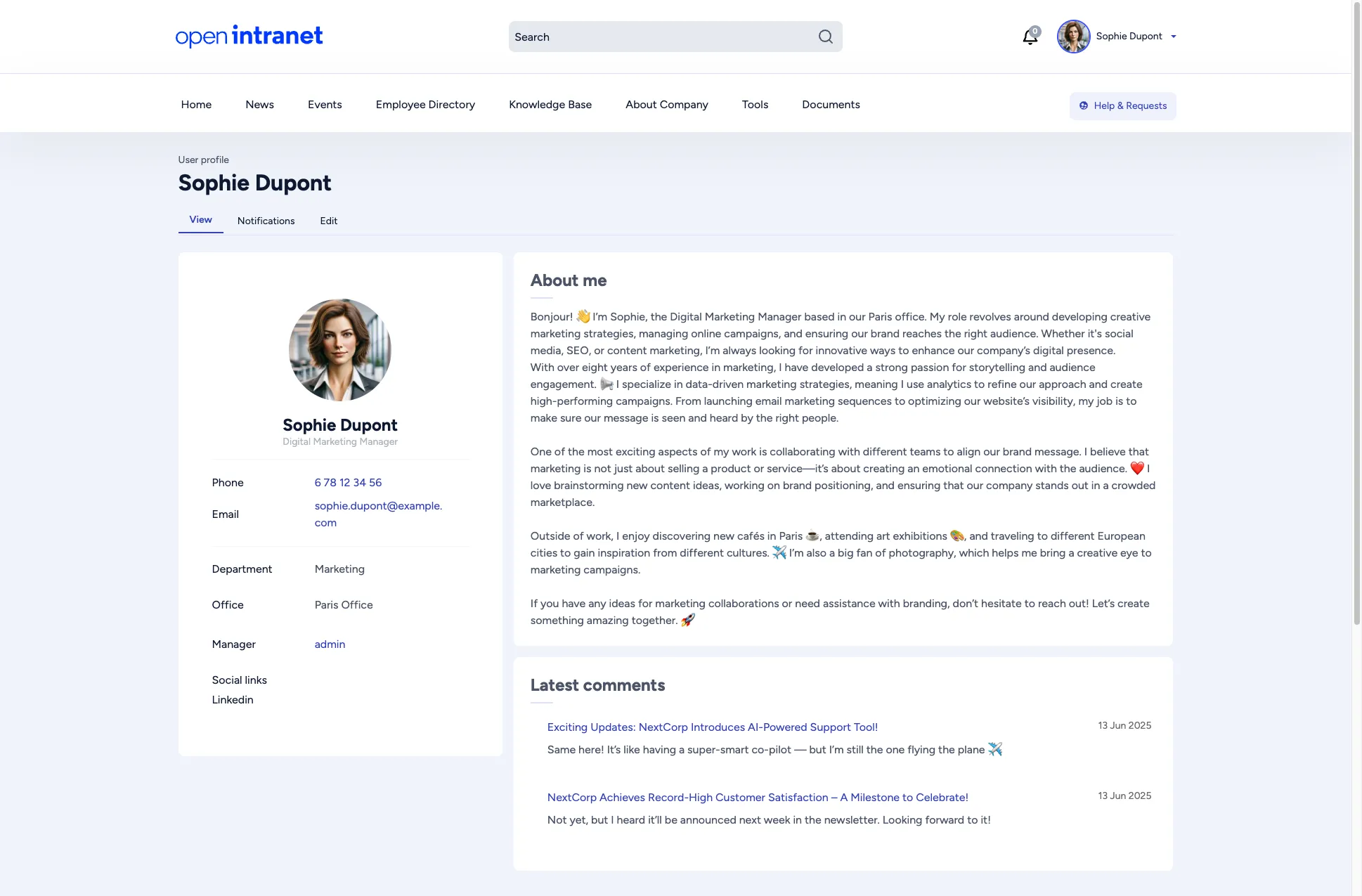
Section titled “Viewing your profile”Click your name in the top-right corner of any page, then select My account to see your profile. The profile page shows:
- Profile picture and name
- Job title
- Contact details — phone number, email address
- Department and Office
- Manager — a direct link to your manager’s profile
- Social links — any external profile links you have added (e.g. LinkedIn)
- About me — a personal bio or description
- Latest comments — your recent comments across the intranet
Editing your profile
Section titled “Editing your profile”Click the Edit tab at the top of your profile page. The edit form is organized into three tabs:
Basic info
Section titled “Basic info”- First name and Last name (required)
- Title — your job title
- Picture — upload or change your profile photo
- Phone number
- Social links — add URLs to your professional profiles (LinkedIn, etc.)
- About me — a text area for your personal bio
- Department — your team or department
- Office — your physical office location
- Manager — your direct manager
Account
Section titled “Account”- Email address — your login email
- Password — change your password
After making changes, click Save to update your profile.