

Pages
Pages are static content pages that provide information about the organization, departments, policies, and other resources that do not change frequently.
Finding pages
Section titled “Finding pages”Most pages are in the main menu. Point at About Company to open its submenu, and click any entry to open the page.
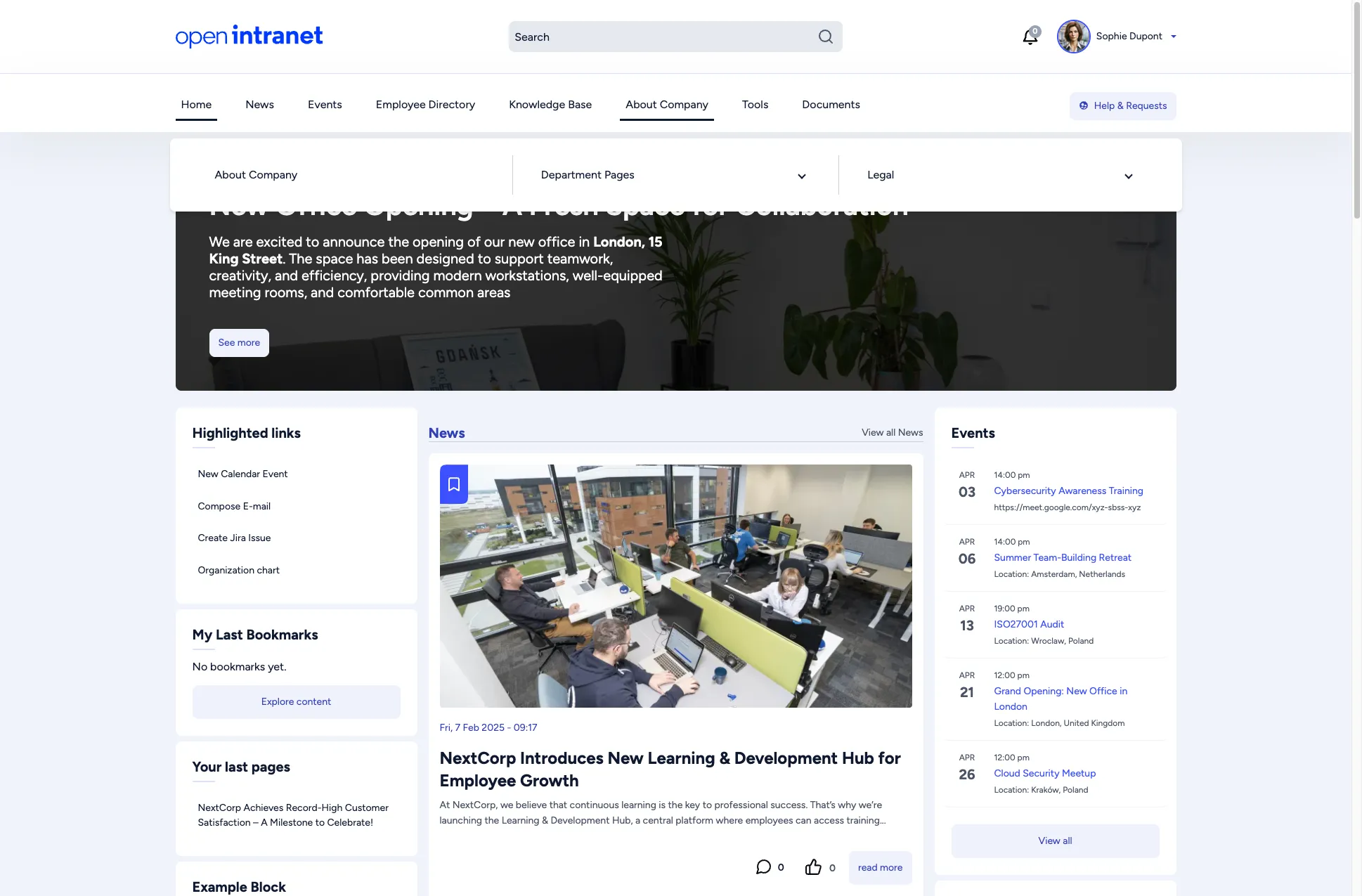
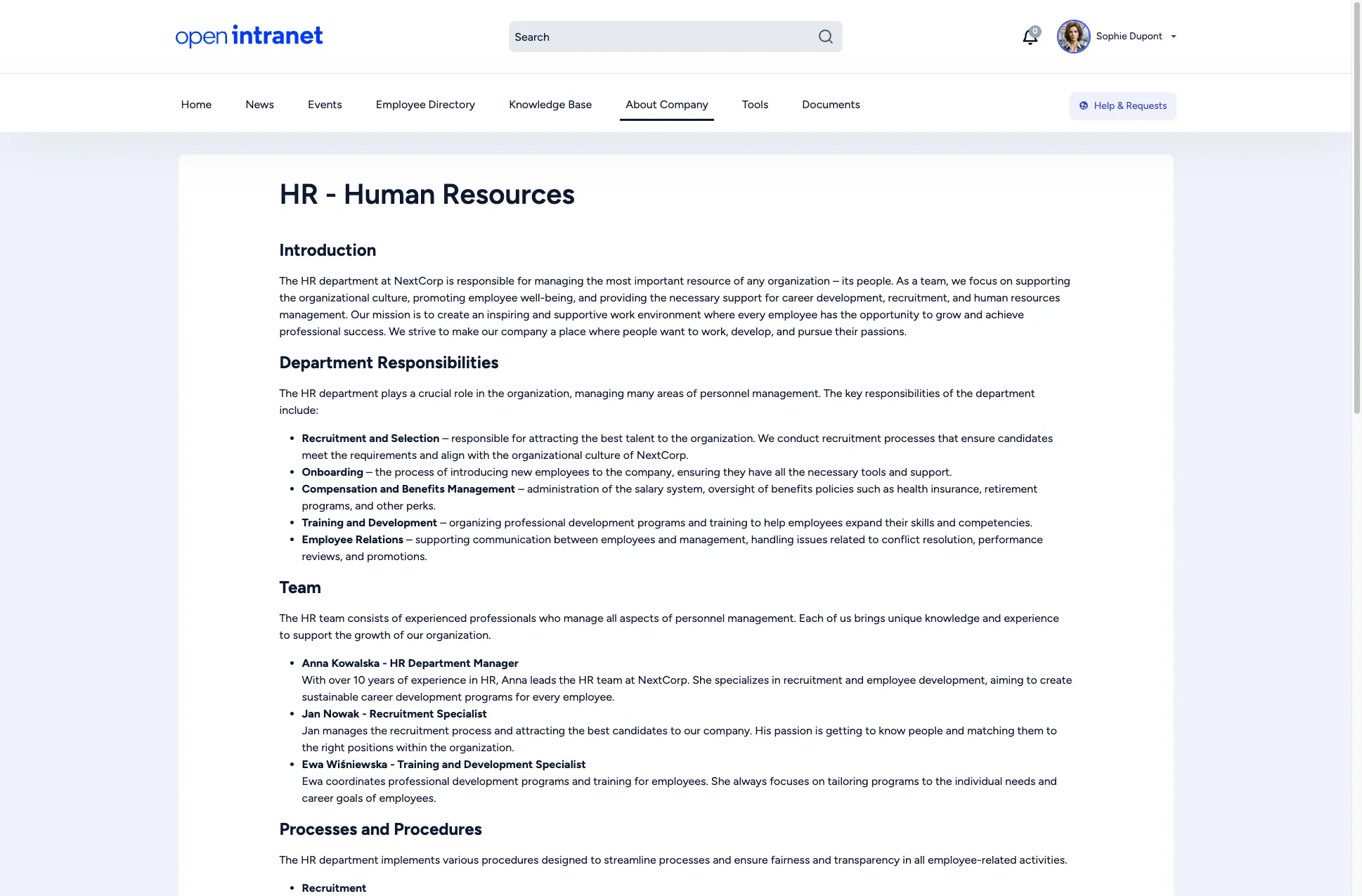
Each department can have its own page with relevant information, contacts and resources. You find them under About Company > Department Pages:
- Customer support
- Finance
- Marketing
- IT
- HR
Under About Company > Legal you find Policies & Regulations, Compliance and Contracts. The footer of every page also links to important documents under Legal & Compliance:
- Code of Conduct
- GDPR & Data Protection
- Privacy Policy
- Terms of Use
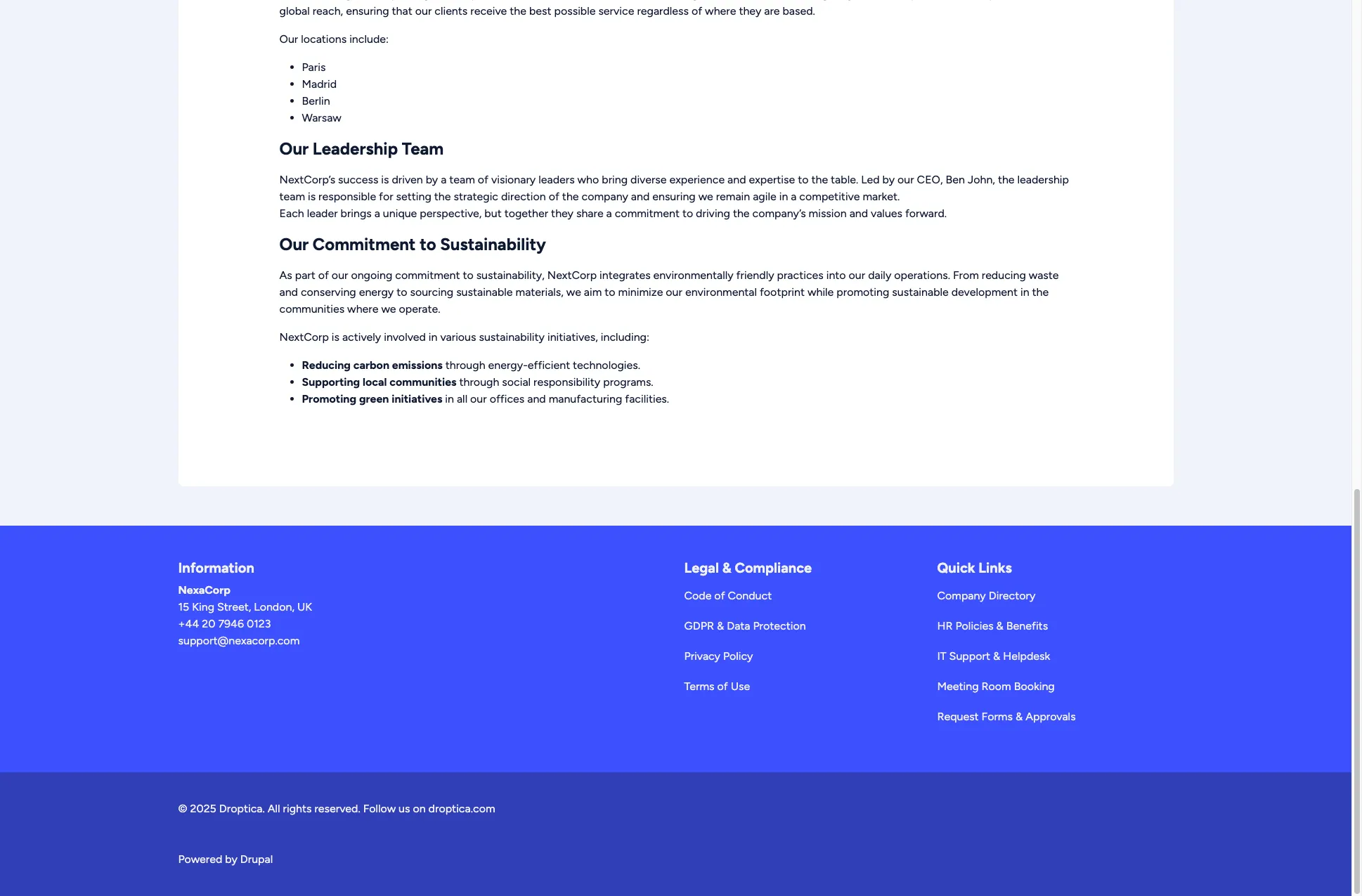
General information about the company is on the About Company page, the first entry of the About Company submenu. The footer Quick Links column points to frequently used places such as the company directory and IT support.
Forms such as Training Request, Help Requests, Employee Survey and Submit News are under Tools > Forms.
Page features
Section titled “Page features”Static pages can include:
- Formatted text with headings, lists, and emphasis
- Embedded images and media
- Links to other intranet pages or external resources
- File attachments for downloadable documents
Adding or editing a page
Section titled “Adding or editing a page”Users with an editor role can add and edit basic pages. See Creating a basic page for the step-by-step instructions, including how a new page gets into the navigation.
Related
Section titled “Related”- Knowledge Base: longer internal documentation
- Search: find a page by a word from it
- Creating Content: for editors