

News
The News section keeps you up to date with company announcements, project updates, and organizational changes.
News listing
Section titled “News listing”Click News in the main menu to see all published articles in reverse chronological order. Each card shows:
- A thumbnail image (if available)
- Publication date and time
- Article title and a short summary
- Comment and reaction counts
- A read more link
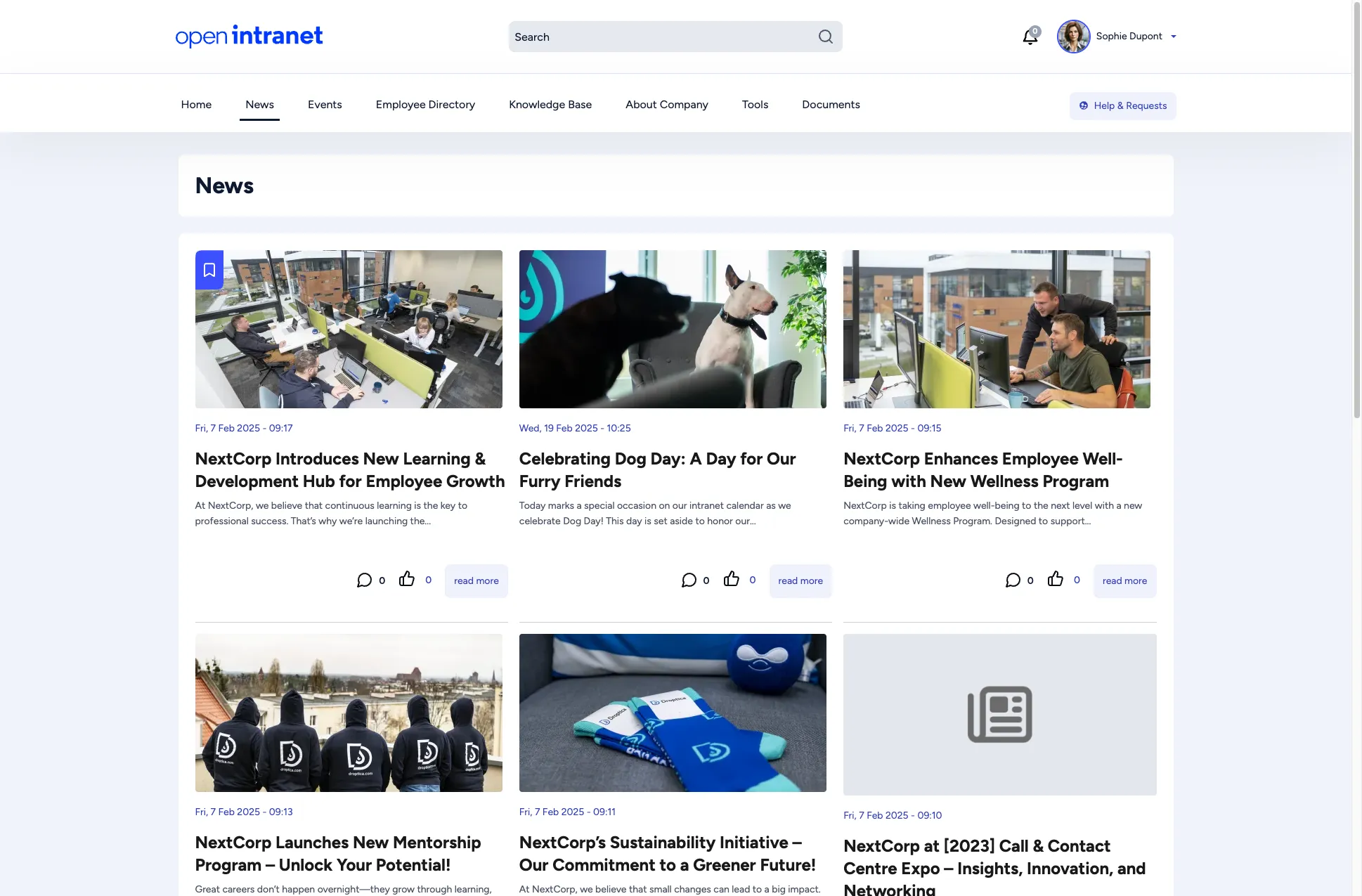
The listing is paginated. Use the page numbers at the bottom to browse older articles.
Reading an article
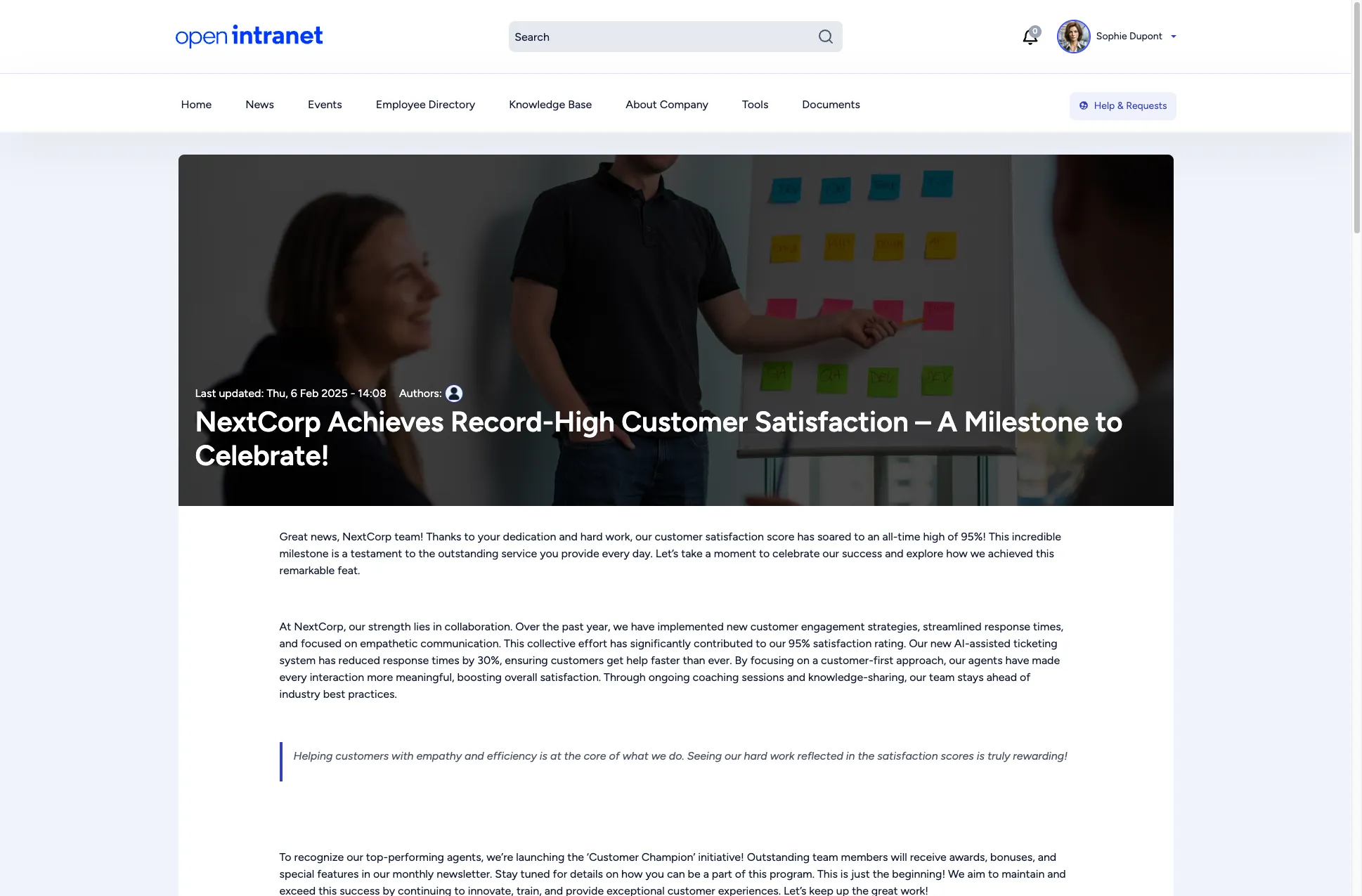
Section titled “Reading an article”Click any title or read more to open the full article. A news article page includes:
- A hero image spanning the full width
- The publication date and author avatar
- The full article text
- Tags categorizing the article (e.g. Career Growth, Customer Success)
- A like button to express appreciation
- A comment form at the bottom where you can join the conversation
- An Add to Bookmarks link to save the article for later
Interacting with articles
Section titled “Interacting with articles”| Action | How |
|---|---|
| Like | Click the thumbs-up icon below the article. The counter increments. |
| Comment | Scroll to the comment form, type your message, and click Save. |
| Bookmark | Click Add to Bookmarks to save the article to your personal bookmarks list. |