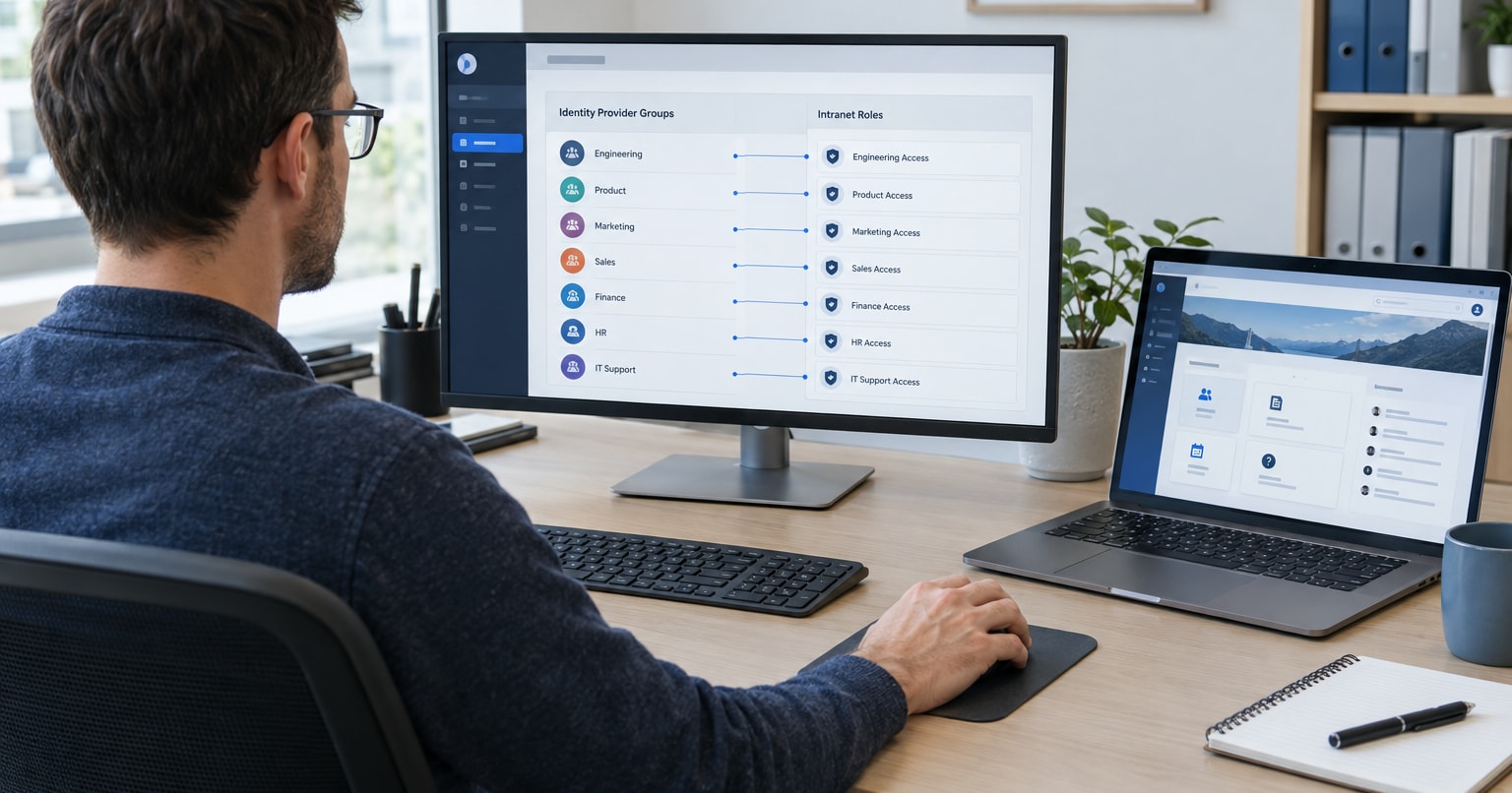
Employees outside Active Directory: how to create and maintain their intranet accounts

People outside Active Directory get accounts in the intranet itself, created from a file or an HR system that HR maintains. Each person needs a stable identifier other than email, and their account has to be blocked on their last day. The import itself is the simple part. Deciding who updates the data, and when, takes more work.
This guide is for HR and IT teams in companies with several plants that have decided the intranet will require login. It picks up where our post on whether your intranet should be reachable from the internet ends. The office is in Active Directory, but people on the shop floor and in the warehouse often have no regular computer, so email does not reach them. Running their accounts is mostly an HR process, with IT helping on integration and permissions.
In this article:
- Two sources of accounts in one intranet
- Where the data comes from: a file or an HR system
- An identifier when there is no email
- Joining, changing plants, leaving
- Password resets without email
- When an account is not needed
- Who is responsible for what
- FAQ
Two sources of accounts in one intranet
Office staff sign in with their Active Directory account: Open Intranet connects to AD, LDAP and SAML/OpenID Connect and syncs users, groups and attributes such as department, job title, office and manager. People outside AD get an account created in the intranet itself, with a username and password.
| Account from Active Directory or Entra ID | Account created in the intranet | |
|---|---|---|
| Who maintains the data | IT, in AD | HR, in a file or HR system |
| Login | company account | username and password in the intranet |
| Password reset | according to IT rules for company accounts | a person with permission to manage intranet accounts |
| Access to content | by group | by group |
| Leaving | according to IT rules for company accounts | account blocked in the intranet |
In the intranet, both kinds of account can belong to the same groups and have the same permissions. The difference is who is responsible for the data and what happens when someone forgets their password or leaves the company.
Where the data comes from: a file or an HR system
Accounts can be created from a CSV import or synced from an HR system that exposes an API, for example in JSON or XML. In the Drupal ecosystem, which Open Intranet is built on, the Feeds module is one way to import CSV data into user accounts. According to drupal.org, 93,541 sites use it.
Syncing with an HR system is convenient when there is only one. If the company runs several HR and payroll systems, one shared file maintained by HR is often simpler than a separate integration with each of them. Also decide how often the file reaches the intranet: on every change, daily or weekly. That determines how many days a new employee waits for an account.
An identifier when there is no email
Drupal lets an administrator create and edit an account without an email address. The field is not required when the person creating the account has permission to manage users.
On later imports, the intranet has to recognize that it is the same person. During implementation we agree with the client whether the import should update existing accounts and which field identifies the employee. Without email, a phone number can do this, for example. That is not available out of the box, but it is a small customization.
We still recommend the employee number. It does not change when someone changes phones, and it does not require collecting private numbers. Treat a private phone number as personal data, and agree the scope of data that goes into the intranet with your data protection officer. If the company runs several HR systems, check that employee numbers do not repeat.
Joining, changing plants, leaving
Joining. HR adds the new person to the file or HR system, and the account is created on the next import. Add a column with the plant and department to the file, so it is clear which group the person belongs to. In a company with several plants, plant HR can have intranet permissions limited to the employees of its own site.
If plant HR adds someone manually in the intranet, that person must later appear in the file with the same employee number. Otherwise the next import may create a second account. Also decide how a new person gets their first password when they have no email: for example in person from HR during induction training. Ask them to change the password after their first login.
Changing plant or department. In Open Intranet, access to pages, documents, folders and forms is set per group. When someone moves to another plant, changing their group also changes what they see in the intranet.
Leaving. Drupal offers four ways to close an account: block it and keep its content, block it and hide its content, delete it and assign its content to the anonymous user, or delete it together with its content. A blocked person cannot log in. Deletion cannot be undone.
We recommend blocking the account on the employee’s last day and deleting it later, under your company’s data retention rules. Decide who does the blocking. If HR closes the contract in the HR system but the block waits for the weekly import or a manual step, the former employee keeps access for several more days.
Password resets without email
The standard Drupal password reset sends instructions to the registered email address. Without an address this route does not work, so the new password has to be set by someone with permission to manage accounts.
In practice this can be plant HR or the plant manager, with permissions limited to the people of their own plant.
If some production staff have Microsoft Entra ID accounts, they sign in like the office. Their passwords are then reset by a manager in Microsoft My Staff, where a store manager or team lead can reset passwords and change phone numbers for their people.
If people sign in on a shared computer at the plant, make sure they log out after each shift. On a personal phone, Open Intranet runs in the browser with no app to install.
When an account is not needed
Open Intranet has a contact list for employees without intranet accounts: you import it from CSV, group it by department and send messages by SMS, or by email if someone has given an address. We did this for one client. Production workers had no accounts and received one-way SMS messages.
That channel is enough for announcements. If an employee has to submit a request or confirm they have read a procedure, out of the box they need an account. A personalized link in an SMS that recognizes a person without an account is a customization, but it can be built.
Who is responsible for what
A split we recommend agreeing before implementation:
| Who | Responsible for |
|---|---|
| HR | data in the file or HR system, new hires, plant changes, blocking on the last day |
| IT | AD integration, administrator permissions, security and backups |
| Plant HR or plant manager | reporting changes and resetting passwords for people at their plant, if given those permissions |
| Data protection officer | the scope of employee data that goes into the intranet and how long it is kept |
Before you talk to vendors, answer six questions:
- How many people are not in Active Directory, and where is their data today?
- Who maintains the file or system the accounts will be created from?
- Which identifier will recognize an employee without email?
- How often should the data reach the intranet?
- Who blocks the account on the employee’s last day?
- Who resets passwords, and for which employees?
FAQ
Can an employee without email have an Open Intranet account?
Yes. Open Intranet is built on Drupal, and Drupal lets an administrator create an account without an email address. That person’s password is then reset by someone with permission to manage accounts.
Can an account be deleted right after someone leaves?
It can, but deletion cannot be undone. Blocking stops login and keeps the content, such as submitted requests, so we recommend starting with a block.
Can an employee sign in with a phone number and an SMS code?
Microsoft Entra ID has this method, but from February 1, 2027 Microsoft will stop sending authentication text messages itself, and it will only work with your own SMS provider. We would not build a new process on it today.
Does the number of accounts affect the license cost?
No. Open Intranet is free and open source, with no per-user fees, so accounts for a few hundred production workers do not change the license cost.
Want to test this on your own instance?
We build and maintain Open Intranet at Droptica. Request a written quote and include your answers to the six questions above. Based on them, we will map out where the data comes from, who creates accounts and how blocking will work, and what the setup would cost.