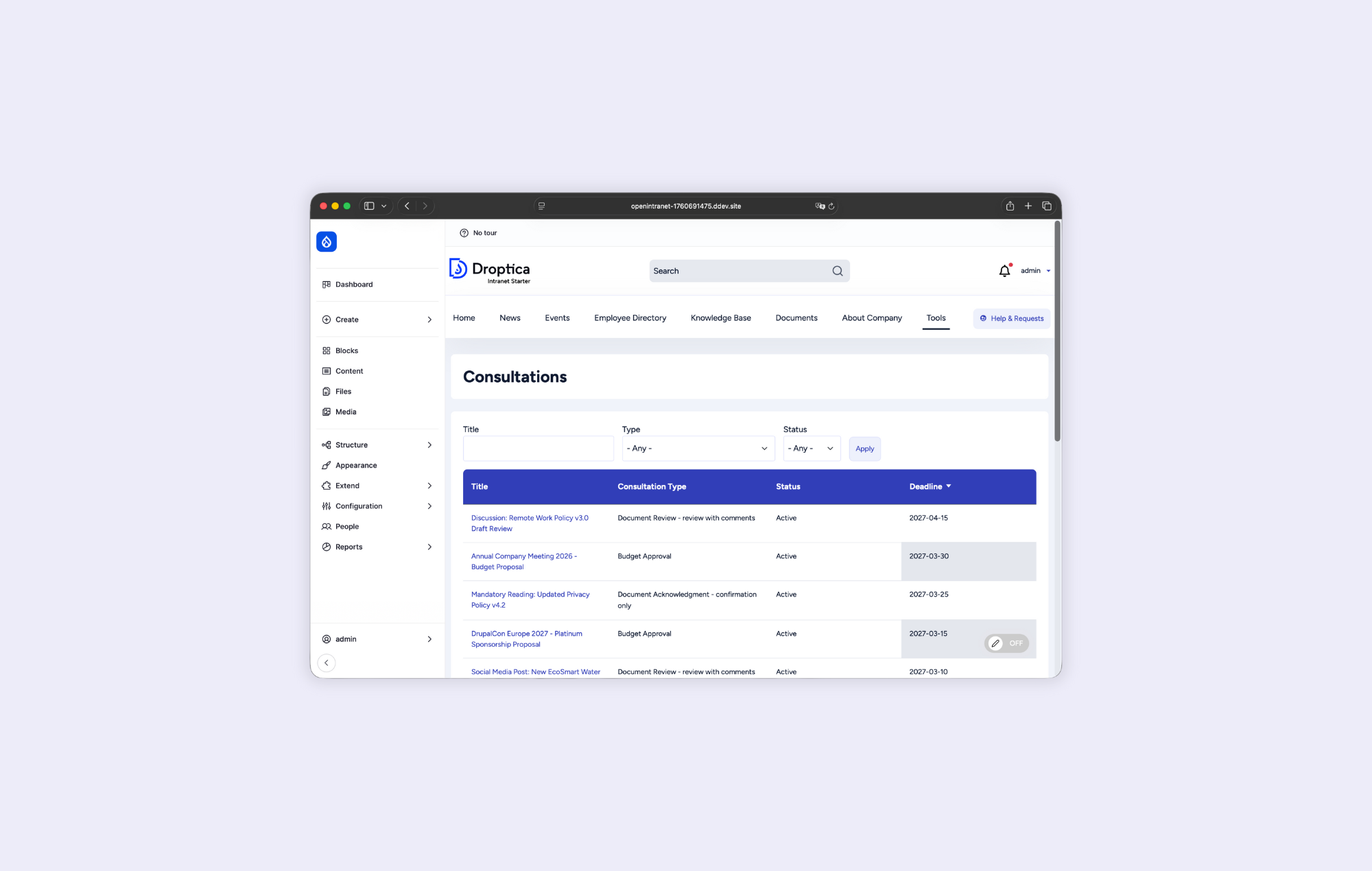
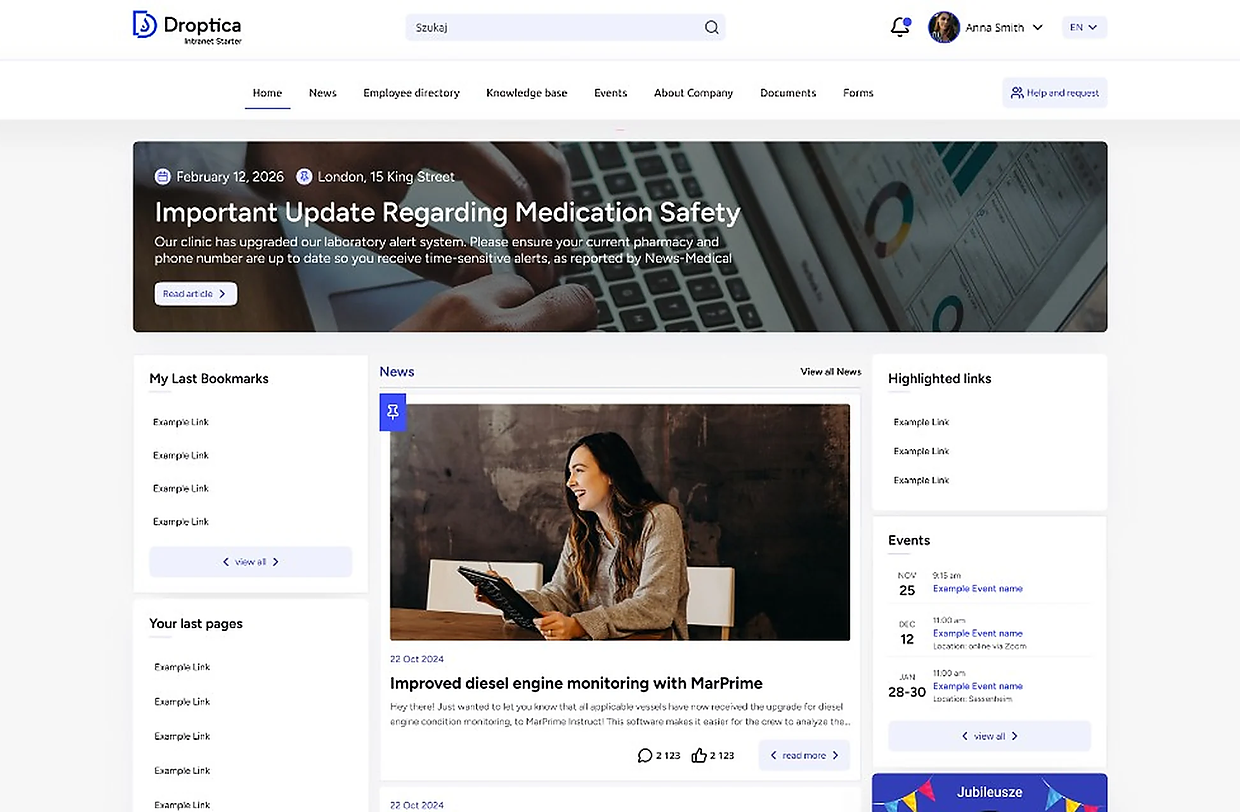
The Open Source SharePoint Alternative
Replace SharePoint as the employee intranet when its operating model no longer fits. Keep Teams, Outlook, OneDrive, Office, and Microsoft sign-in. Move the intranet experience — not your entire Microsoft workplace.
- SharePoint Online may already be included in Microsoft 365
- SharePoint Server 2016 and 2019 support ended on 14 July 2026
- Open source with no user or device CALs
SharePoint has three very different starting points
A fair comparison begins with what you already license and which SharePoint version you run. There is no universal license-saving figure that applies to every organization.
SharePoint Online may cost nothing extra
SharePoint is included in many Microsoft 365 and Office 365 plans. If every intended intranet user already has an eligible plan, the incremental SharePoint Online license cost may be zero.
Server 2016 and 2019 are out of support
Microsoft support for SharePoint Server 2016 and 2019 ended on 14 July 2026. Keeping either version means running an unsupported platform, not avoiding a migration decision.
On-premises continues as Subscription Edition
Microsoft still supports SharePoint on-premises through Subscription Edition. It uses the Server/CAL model and requires active Software Assurance or subscription rights for the server and CALs.
When should SharePoint stay — and when should it go?
The answer depends less on a headline price and more on your existing entitlements, current server version, required integrations, and desired level of control.
Keeping SharePoint is likely the better fit when
- Eligible Microsoft 365 licenses already cover the whole audience and SharePoint Online meets the brief.
- Native Teams, OneDrive, Power Platform, Purview, and Viva integration is the overriding priority.
- Standard Microsoft templates and governance are more valuable than a deeply tailored employee experience.
- You require Microsoft on-premises technology and are prepared to operate Subscription Edition with Server/CAL licensing.
Replacing SharePoint is likely the better fit when
- Your SharePoint Server 2016 or 2019 farm must migrate and you do not want another SharePoint commitment.
- You need a branded employee experience, custom workflows, or industry-specific integrations beyond the Microsoft template model.
- Your organization needs control over hosting, data location, source code, and the product roadmap.
- The intranet audience extends beyond people who otherwise need Microsoft 365 or SharePoint access rights.
SharePoint can be the cheapest license line and still be the wrong operating model. Compare the total platform decision, not one isolated SKU.
Open Intranet vs SharePoint
Both platforms cover core intranet needs. The material differences are entitlement, hosting, lifecycle, extensibility, and who controls the roadmap.
Access model
Open Intranet
Open source; no user or device CALs
SharePoint
Online often bundled in M365; Server uses Server/CAL
Hosting
Open Intranet
Linux, your cloud, managed cloud, or on-premises
SharePoint
Microsoft cloud or Subscription Edition on Windows Server
Documents
Open Intranet
Versioning, metadata, permissions, full-text search
SharePoint
Advanced Microsoft 365 document libraries
News & engagement
Open Intranet
News, comments, likes, targeting, must-read tracking
SharePoint
SharePoint News, targeting, Viva integrations
Employee directory
Open Intranet
Fully configurable profiles and filters
SharePoint
Microsoft 365 and Entra ID profiles
Lifecycle
Open Intranet
Open codebase with an independent upgrade path
SharePoint
Server 2016/2019 unsupported; Subscription Edition supported
Workflows
Open Intranet
Custom Drupal workflows and forms without CAL tiers
SharePoint
Power Automate and Power Apps within Microsoft entitlements
Microsoft identity
Open Intranet
Microsoft SSO, SAML, OAuth, LDAP/AD
SharePoint
Native Entra ID integration
Source code & roadmap
Open Intranet
Full access and independent development
SharePoint
Controlled by Microsoft
Replace SharePoint with a product — not a blank framework
Open Intranet ships with the capabilities employees use every day. The difference is that your organization can adapt the experience, integrations, and codebase without waiting for one vendor’s roadmap.
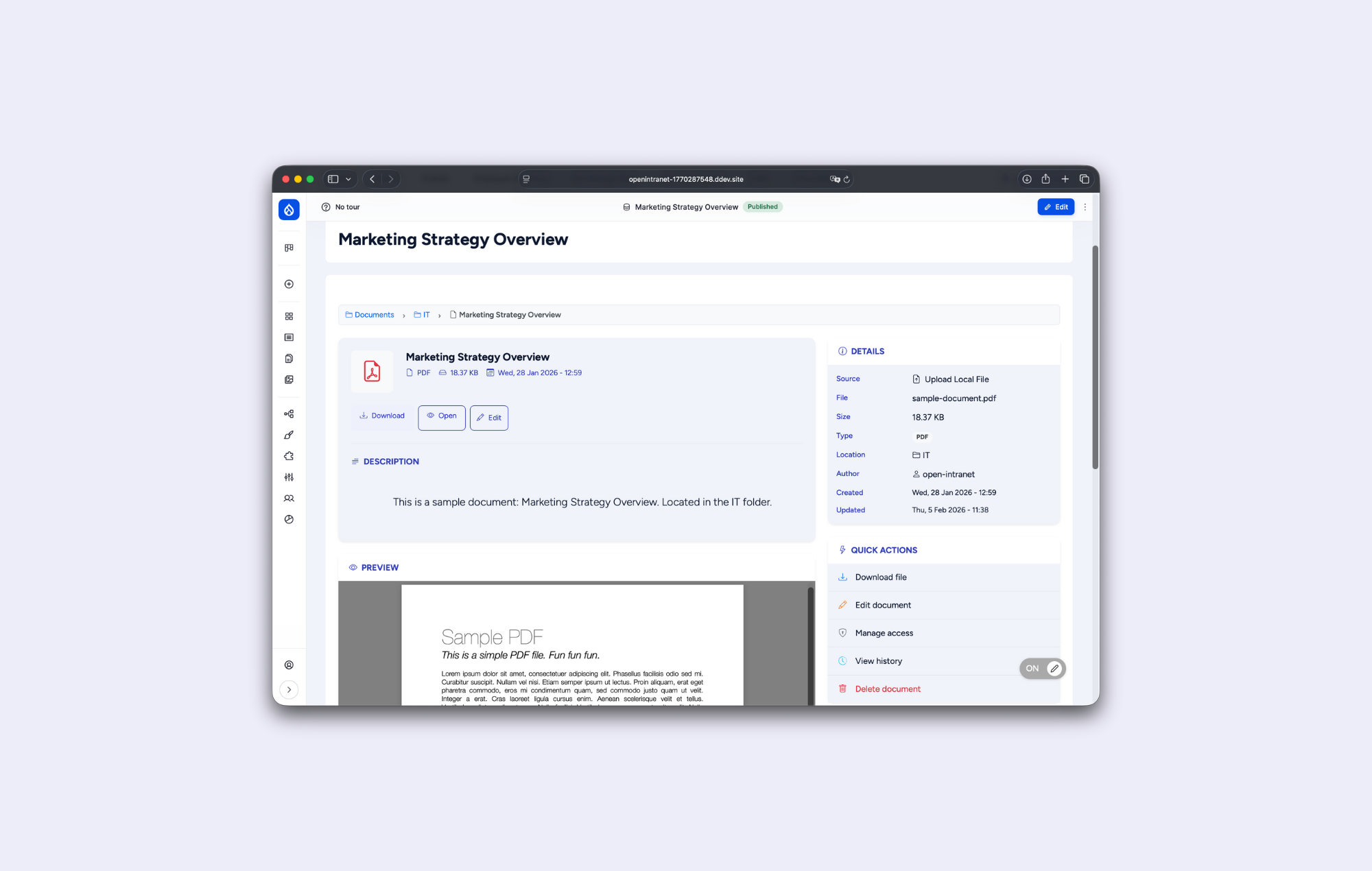
Document repository
Structured documents with metadata, categories, version history, access control, and full-text search.
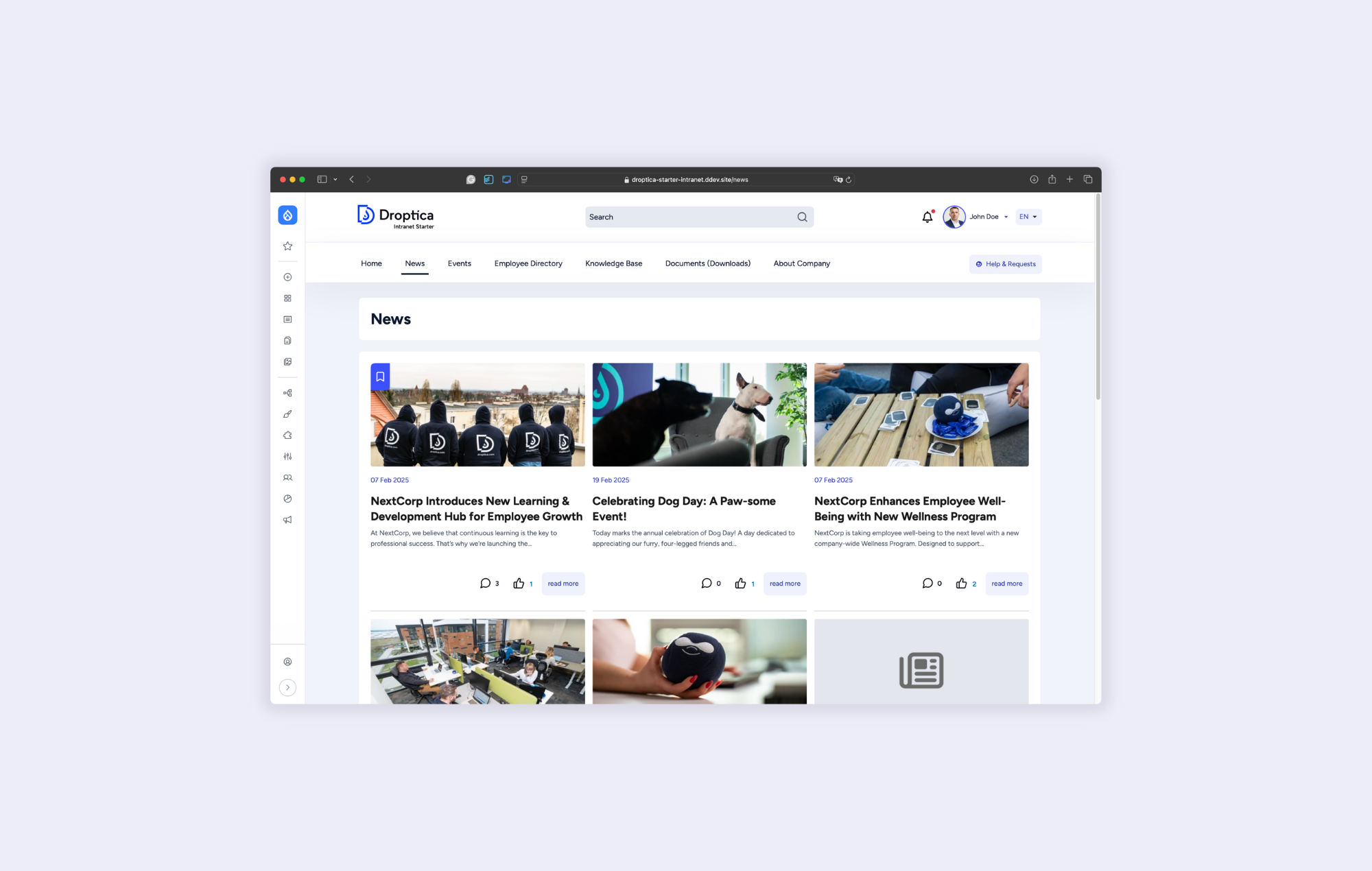
Company news
Targeted news, pinned announcements, comments, likes, related files, and a searchable archive.
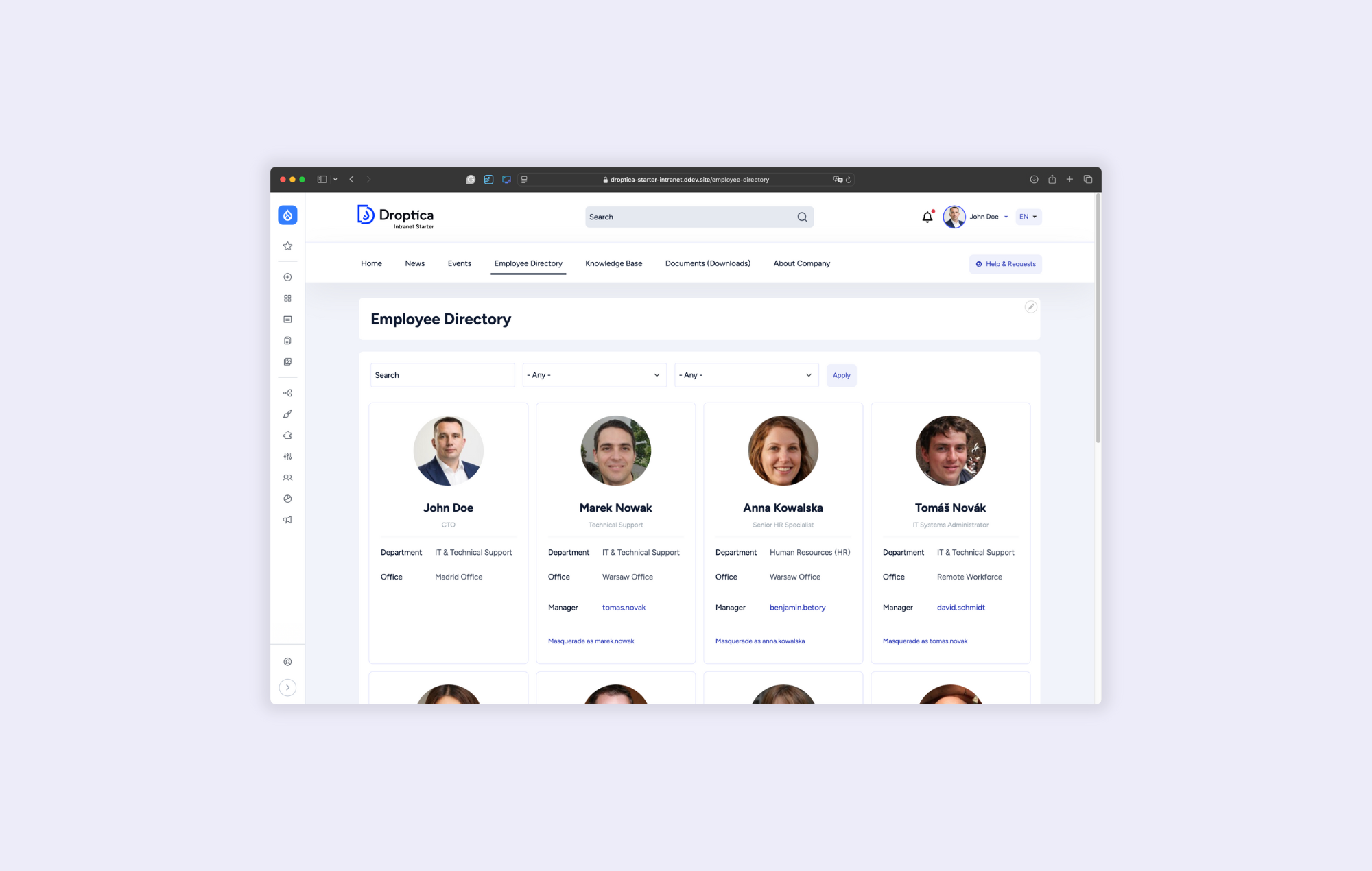
Employee directory
Search and filter people by department, location, role, skills, or any custom profile field.
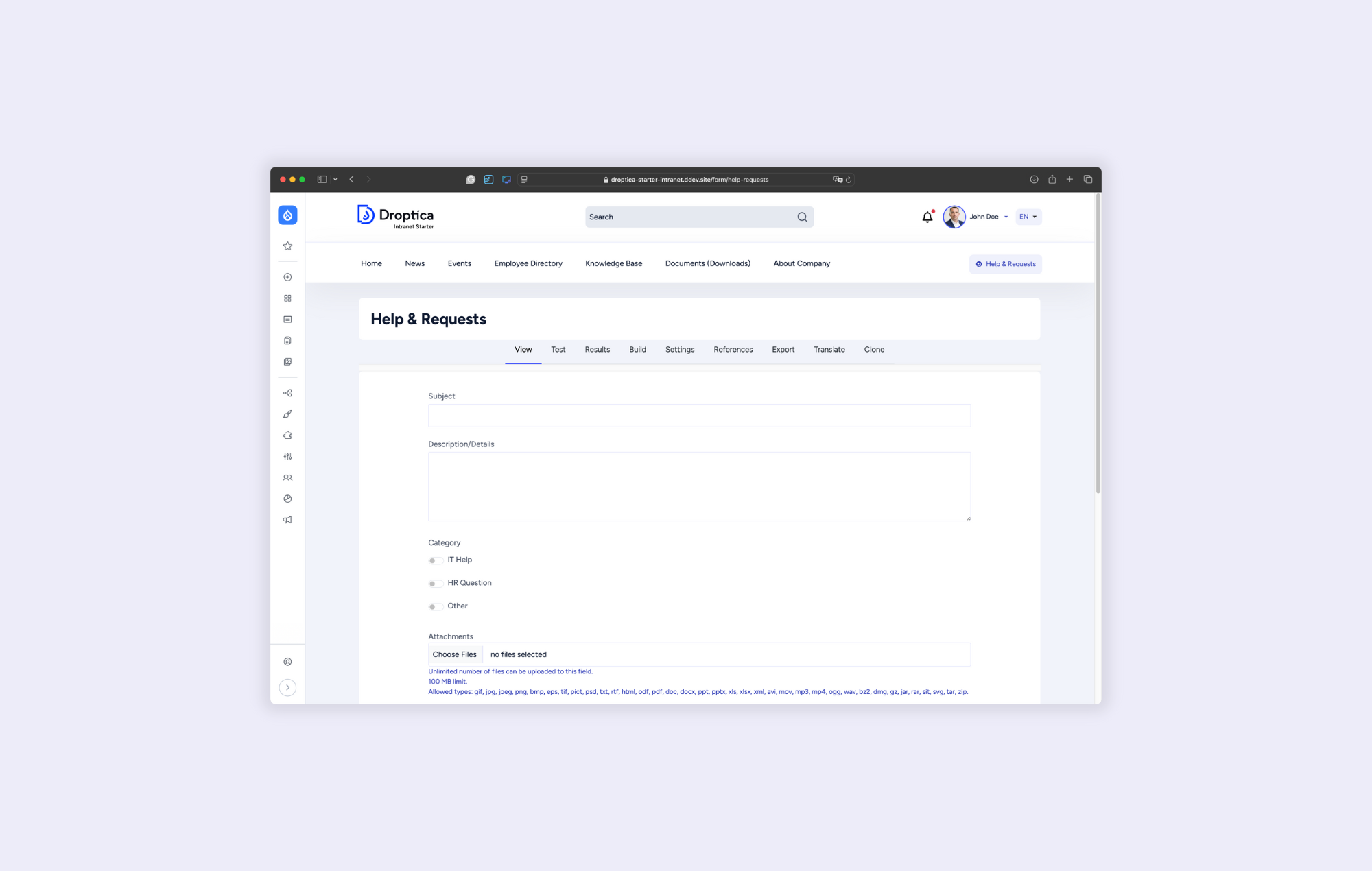
Forms and workflows
Build requests, approvals, service desks, feedback forms, and multi-step business processes.
Move the intranet. Keep the Microsoft tools that still earn their place.
Open Intranet becomes the employee-facing layer. Employees can still sign in with Microsoft identities and continue using Teams, Outlook, OneDrive, and Office where those tools add value.
- Microsoft SSO through SAML 2.0 or OAuth
- LDAP and Active Directory synchronization
- REST and JSON APIs for Microsoft 365 and business-system integrations
- Flexible links and embedded experiences for existing tools
Compare the cost you will actually change
There is no defensible universal savings number. Start with your current entitlements and architecture, then compare the full operating model over the same period.
Scenario 1
You already license eligible Microsoft 365 plans
The additional SharePoint Online license cost may be zero.
- Do not add standalone SharePoint Plan 1 a second time.
- Compare implementation, governance, customization, integrations, and ongoing administration.
Scenario 2
You run SharePoint Server 2016 or 2019
Microsoft support ended on 14 July 2026.
- Compare migration to Subscription Edition with migration to Open Intranet.
- Include server and CAL rights, Windows and SQL, infrastructure, patching, and operations.
Scenario 3
You are licensing a new intranet audience
Count only the access rights that audience actually needs.
- SharePoint may require an eligible Online entitlement or Server CAL for each internal user or device.
- Open Intranet has no software license fee or CAL tied to the number of users.
Use the same cost frame for both options
Model the costs that exist in your organization instead of multiplying one public SKU by headcount.
Access rights
Existing Microsoft entitlements, standalone Online plans, Server CALs, or no per-user software fee.
Platform rights
Server subscription and Software Assurance where applicable, plus the open source license position.
Infrastructure
Cloud or data-center compute, storage, backups, monitoring, Windows, Linux, and SQL where required.
Change programme
Discovery, information architecture, design, migration, testing, training, and launch.
Extensions
Custom workflows, integrations, search, branding, and future change requests.
Operations
Patching, security updates, support, governance, analytics, and continuous improvement.
Open Intranet can be cheaper, more expensive, or comparable. Its durable advantage is that user count does not change the software license fee and your organization controls the deployment and codebase.
Verify the Microsoft assumptions
Replace SharePoint without replacing Microsoft 365
Treat the intranet, identity, collaboration tools, documents, and integrations as separate decisions. Preserve what works and migrate only what needs to move.
Establish the baseline
Confirm licenses, server versions, sites, content, permissions, integrations, owners, and the real cost of current operations.
Design the target
Decide what Open Intranet replaces, what remains in Microsoft 365, and how identity, documents, and links connect.
Pilot and migrate
Build a production-like pilot, move content in controlled batches, map permissions, and validate with business owners.
Launch and improve
Train editors, monitor adoption, retire the old intranet safely, and improve from real employee behaviour.
SharePoint alternative? Start with the practical questions.
The licensing, lifecycle, and migration questions IT and Internal Communications teams should resolve before shortlisting a replacement.
Is SharePoint already included in Microsoft 365?
Has Microsoft ended support for on-premises SharePoint?
Did SharePoint Server have per-user charges?
Can Open Intranet work with Microsoft 365?
Can you migrate content from SharePoint?
When is SharePoint still the better choice?
Make the SharePoint decision from your real starting point
Book a focused 30-minute session. We will review your Microsoft entitlements, SharePoint version, audience, migration scope, and control requirements before recommending a path.